
We Use Safe & Secure Payments Gateways



3M Speedglas
SKU Product Code: S610031
Low stock: 1 left
Couldn't load pickup availability
LOW STOCK MAY TAKE UP TO 7 DAYS FOR DISPATCH
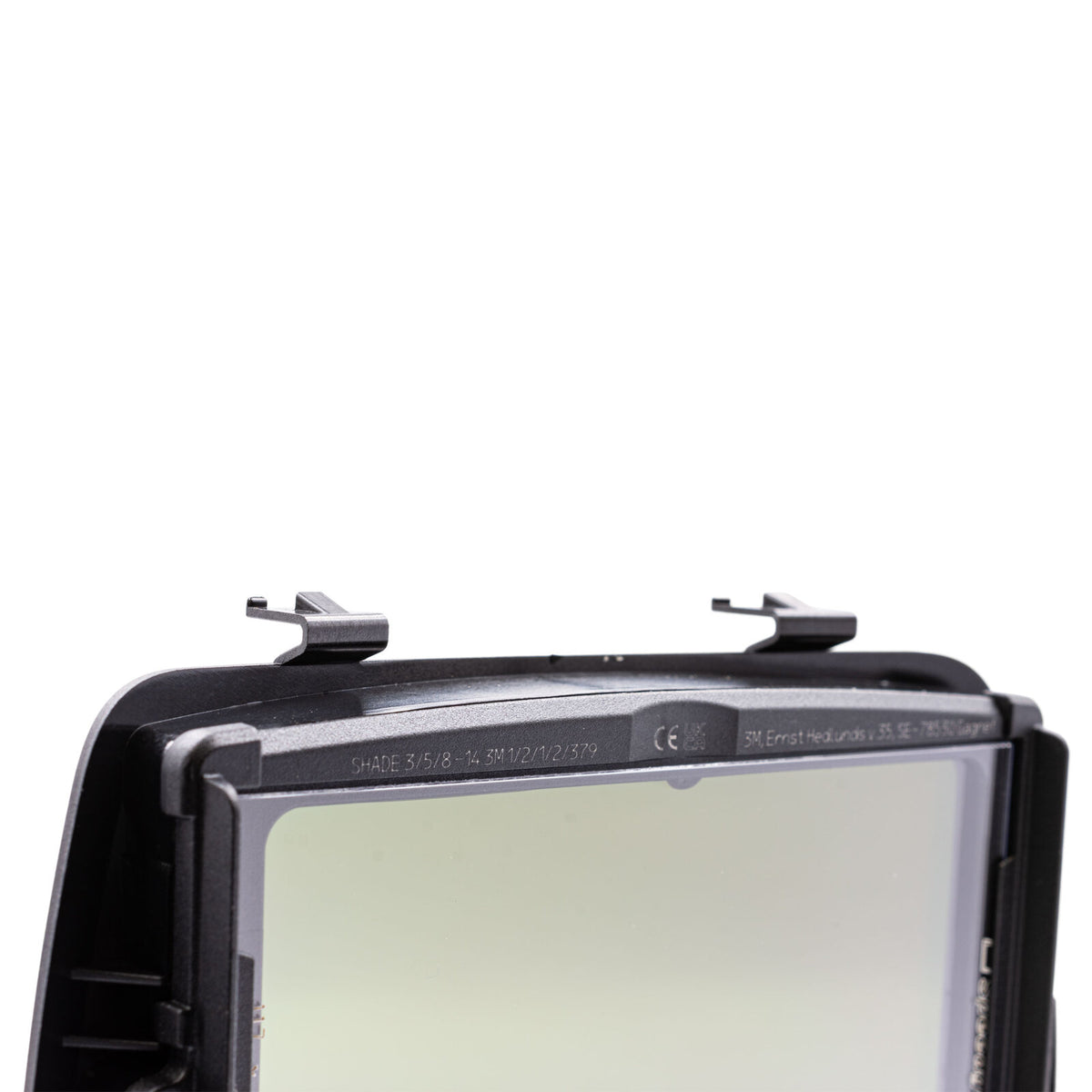
This replacement 3M Speedglas G5-01/03VC auto-darkening lens is compatible with the Speedglas G5-01 heavy-duty welding helmet and G5-03 Pro Welding Helmets. Engineered for high-amperage welding, it incorporates Variable Colour Technology, offering a choice of natural (A), cool (B), or warm (C) colour tones in the dark state. Featuring True-View optics with shades 5, 8–14 and a light shade of 3, it delivers sharp visibility across various applications. The lens also includes a two-step recovery process, incorporating an intermediate shade 7 when transitioning from dark to light for enhanced comfort. Bluetooth connectivity enables programming via smartphone, allowing users to save memory presets and adjust colour tones and shade settings.
| Brand | 3M Speedglas |
|---|---|
| Model / Product code | G5-01/03VC / 610031 |
| Product type | Replacement auto-darkening welding lens |
| Compatibility | Speedglas G5-01 and G5-03 welding helmets; not suitable for the 9100 Series |
| Viewing area | 73 × 109 mm |
| Light shade | 3 |
| Dark shades | 5 and 8–14 |
| Dark-state colour tones | Natural (A), cool (B) and warm (C) |
| Recovery | Two-step dark-to-light transition with intermediate shade 7 |
| Modes | Weld, cut and grind; TAP mode switching |
| Connectivity | Bluetooth for smartphone programming and memory presets |
| TIG detection | Down to 1 amp with TST |
| Activation | Auto-On |
| Manufacture | Made in Sweden |
NOTE
This welding lens will only fit the new Speedglas G5-03 and Speedglas G5-01 welding helmets. It is not suitable for use with the Speedglas 9100 series.
THIS ITEM DOES NOT SHIP TO A PO BOX. MUST HAVE A ST ADDRESS.
Product Images are for illustration purposes only


We Use Safe & Secure Payments Gateways
© 2026 - East Coast Welding Supplies. All Rights Reserved.
Design by: eStoreSeller

TO ADD MULTIPLE ITEMS TO YOUR QUOTE, PLEASE FILL QTY FIELD THEN CLICK ON "ADD TO QUOTE"